WhatsApp QR code
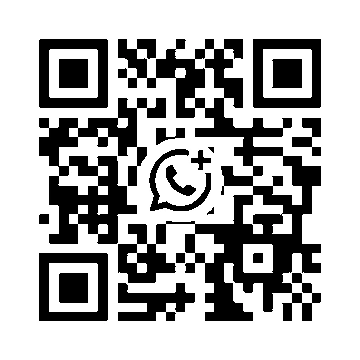
On a computer: open WhatsApp on your phone, tap the camera or QR icon and point it at the code.
On a phone: you can't scan your own screen, so:
- Take a screenshot of this page.
- Open WhatsApp and tap the camera icon (or Settings → the QR icon next to your name → Scan).
- Choose the photo icon and pick the screenshot from your gallery.
- WhatsApp opens our chat. Send your question, link or screenshot.
What to send us
- The link from the spreadsheet row, or a screenshot of the item.
- Size and colour, and your country.
- For several items, a list in one message so we can quote one parcel.
We don't ask for passwords or account logins, and we never ask you to pay into a wallet in advance: each order is quoted and paid on its own. If someone claiming to be us asks for anything else, it isn't us.
Prefer to order yourself? Start with how to use KakoBuy or the agent status list.